Use cases
For people and agents who need more than one identity
From AI-assisted development to hands-on research, keep each identity’s details, mail, and history together. Use the app yourself or connect the agent you already work with.
Finish the test that starts with an email.
Your agent built the signup flow. Give it an inbox to check what actually arrived, and a persona to use again after the next change.
- Signup and onboarding. Read verification and welcome emails sent to a test persona.
- Account recovery. Filter for the reset email that arrived after this test began.
- Returning-user checks. Read previous observations, test the same account again, and save the outcome for the next session.
Dana Whitfield
d.whitfield417
Saved activity
Monday · agent note
Signup completed. Welcome email received.
Wednesday · agent note
Password reset tested. Account accessible.
Next agent session
“Use Dana to test the new sign-in flow. Check her previous runs first.”
Read Dana’s identity and saved activity
Find this run’s sign-in email in her inbox
Save a note for the next run
QA and software testing
Exercise your application as a set of distinct users, each with its own account, its own inbox to catch the verification mail, and a session that never inherits state from the last test.
- Test personas across different browsers, OS, and screen sizes
- A real inbox per persona catches signup and reset emails
- Preview each email light, dark, or inverted, with dark mode support flagged
- Per-persona language and timezone for localization checks
- Session state is saved per persona, so nothing leaks between runs

Managing multiple accounts
Keep the accounts you run on one platform genuinely separate — separate logins, separate inboxes, separate browser state, and separate exit IPs through your own proxy.
- Credentials and TOTP seeds stored with the persona that owns them
- Cookies and storage kept per persona, never shared
- A working inbox for verification and account recovery
- Sticky exit IPs so a persona keeps the same address between sessions


Compartmentalization
Keep the parts of your online life apart. Each persona is a self-contained identity — its own details, its own address, its own logins — with nothing linking back to the others.
- A complete, internally consistent identity per persona
- Nothing shared between personas unless you share it
- Stored credentials encrypted with AES-256-GCM
- Delete a persona and its mail, images, and logins go with it


Research
Run separate research threads under separate identities, and keep a record of what each one did without mixing the threads together.
- Purpose-built personas with tags and working notes
- Activity feed covering both operator actions and persona runs
- Per-persona browsing history
- Search and filter the persona list by tag, note, or status


Regional checks
See what a site shows a visitor arriving from somewhere else. Personas carry a matching timezone, language, and address, and route through the exit country you configure on your proxy.
- 20 countries with state and province granularity
- Timezone and language that match the persona's location
- Fresh personas with no accumulated browsing history
- Live session view to watch a check as it happens

Scheduled tasks
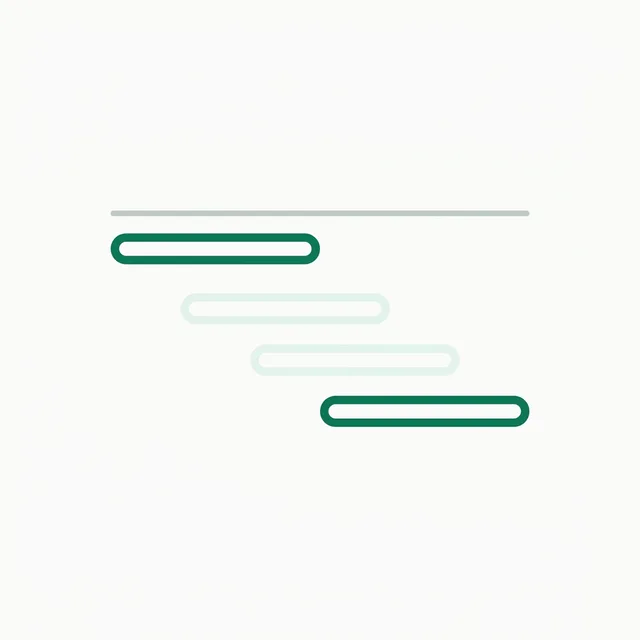
Hand a search-and-visit task to a set of personas and let it run on a schedule, staggered so they never arrive together, with a record of every run.
- Cron schedule with a randomized start offset
- Per-persona stagger measured in seconds
- Records where the target ranked and which URL was opened
- Screenshot kept for every participant in every run

What you bring
Anything that runs a persona through a browser needs two things you supply yourself: a Steel Browser deployment and a residential proxy account. Persona Kit resells neither.